
Transferring assets using Send Destination
You can transfer assets to
pre-configured destination locations using the Send Destination feature. The
destination locations are configured in GV STRATUS Control Panel.
-
Right-click on the asset that you want to transfer and select
Transfer | Send.
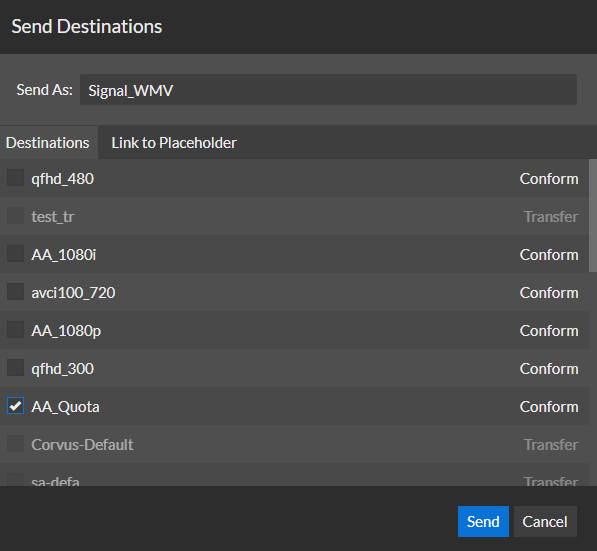
The Send Destinations dialog box opens and displays the list of destinations.
-
If configured for a Newsroom Computer System, you
can also link the asset to a placeholder.
-
On the Link To Placeholder
tab, select a placeholder.
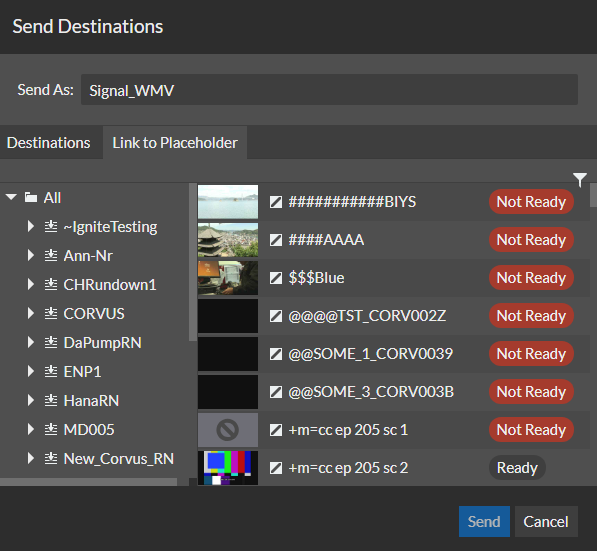
If already linked to a placeholder, you can select a different placeholder.
-
On the Link To Placeholder
tab, select a placeholder.
To view the status of the transfer, open the Jobs Monitor.
The Rules Workflows job monitor provides the overall status of the send order.
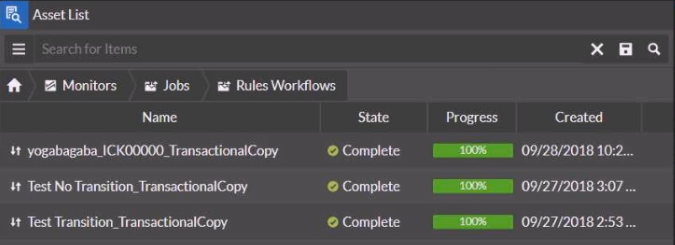
In case assets would exist at the destination with the same name, the rules workflow job handles that gracefully. In case one of the subsequent jobs would fail, the rules workflow job rolls back all other subsequent jobs in a transactional fashion.