Renaming a Spreadsheet File on an Application Server
REQUIREMENT: |
Before beginning this procedure, make sure the Sites Management page is open ( click HERE). |
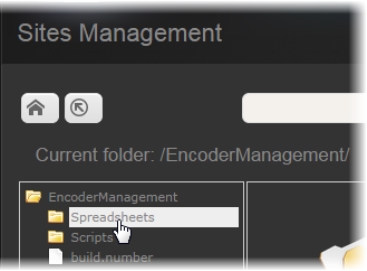
1. On the Sites Management page, use the Navigation pane to browse to—and select—the folder where your spreadsheet is located.
[ Graphic ]
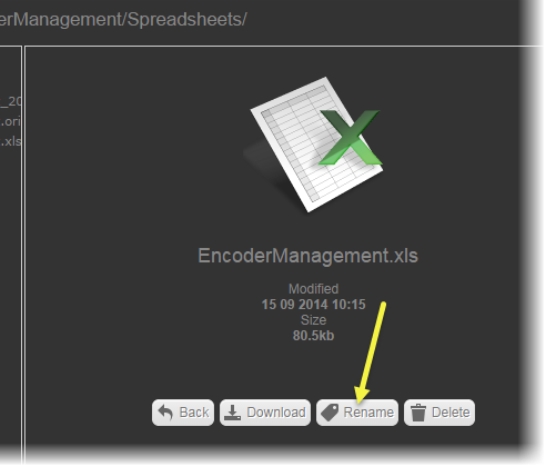
2. In the main pane, click the spreadsheet file.
3. Click Rename.
[ Graphic ]
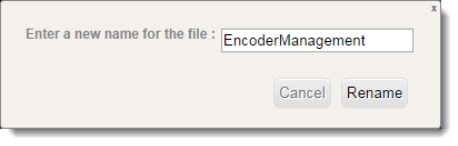
4. Type a new name and then click Rename.
[ Graphic ]